📡 open source · esp32 · MIT

A whole website
on a tiny box.

RoostOS turns a $20 ESP32 into a captive-portal appliance — its own Wi-Fi, its own DNS, a real HTTPS padlock, and an SSH shell. Build and test it on your laptop, then flash it in one command.

$ brew install stevenssparks/tap/roost
See how it works ↓
📶 Captive portal🌐 Own DNS 🔒 Real HTTPS🖥️ SSH shell📊 Live console
roost32
The whole loop

Emulate → Build → Flash

One tool, roost, does everything — from your laptop to the board. No hand-entered flash offsets, no separate firmware step.

1. Emulate

Run the whole appliance on your Mac/Windows/Linux and test in a browser. roost run

2. Build

Compile the firmware + pack your site into one flashable image. roost build-image

3. Flash

Write it to a $20 ESP32 over USB — it auto-detects the port. roost flash-board

What the box does

A tiny appliance, fully loaded

Everything a little private network needs — served offline from a thumb-sized board, or emulated on your laptop.

Captive portal

Join the Wi-Fi and a page pops up — your site, your rules, no internet behind it.

Its own DNS

Every name resolves to the box, so your domain works with zero upstream.

Real HTTPS

Serves a genuine Let's Encrypt padlock — trusted, and it works fully offline.

SSH mini-shell

Log in for a cozy little unix-ish prompt: top, tail, ls, dns.

Live console

A dashboard streams every web hit and DNS lookup as it happens.

One binary

Emulator, builder, and flasher in a single Go tool. It's just a folder → a device.

Real hardware

$20. Thumb-sized. Yours.

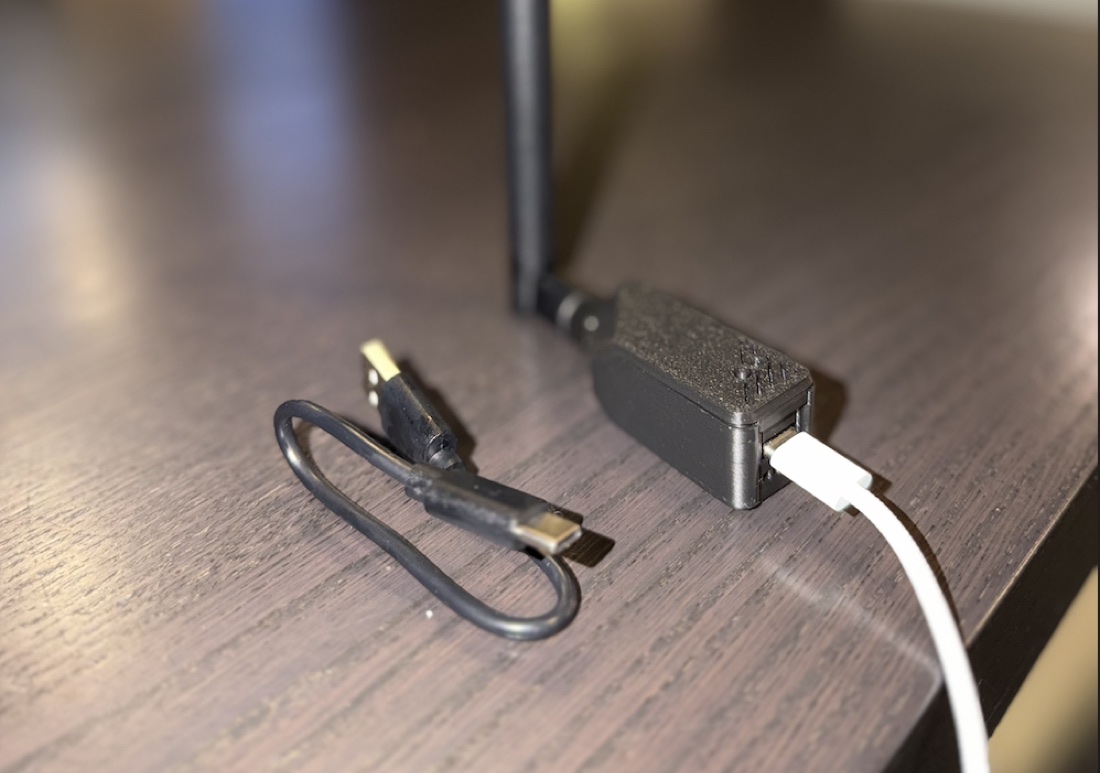
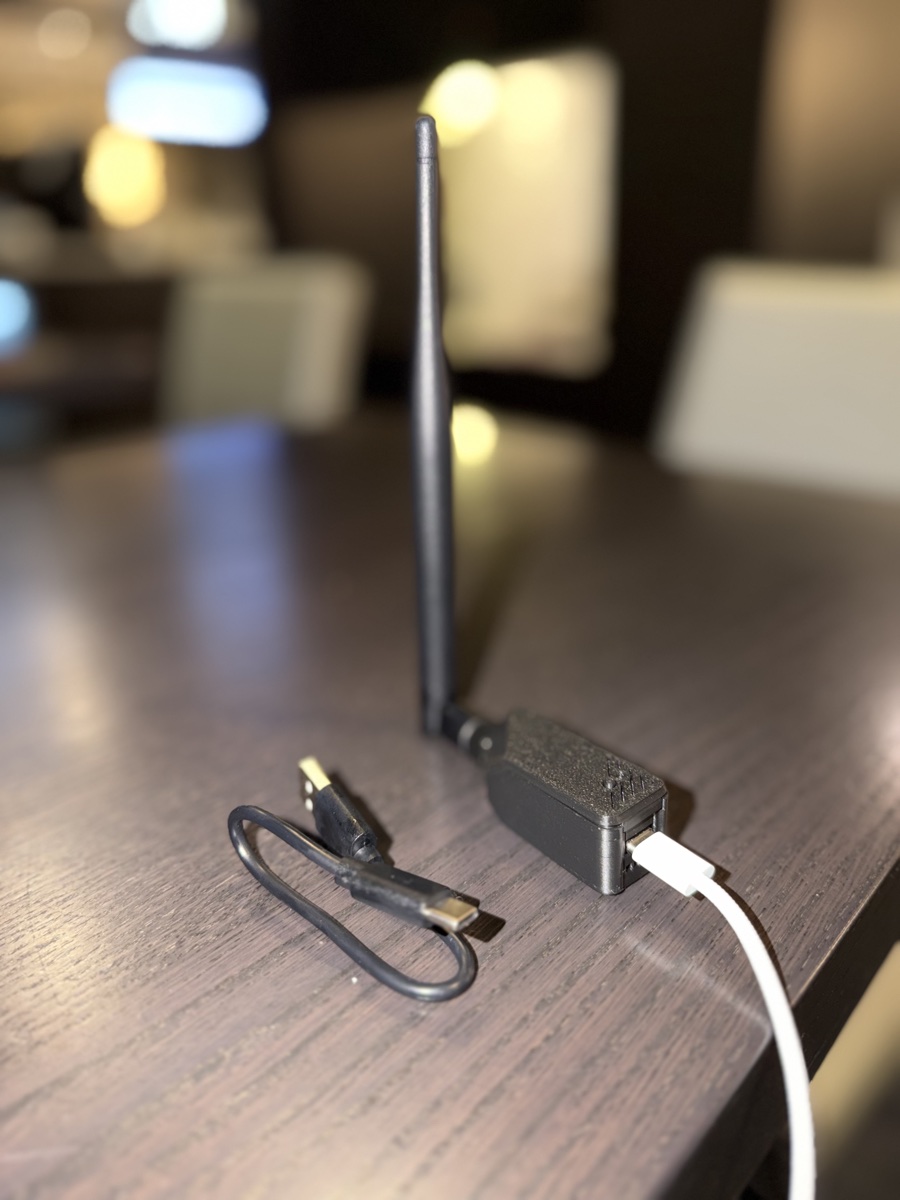
RoostOS runs on a Seeed XIAO ESP32-S3 — small enough to hide in your pocket, powerful enough to serve a whole site with a real padlock over its own Wi-Fi. Plug it into USB power and it just works.

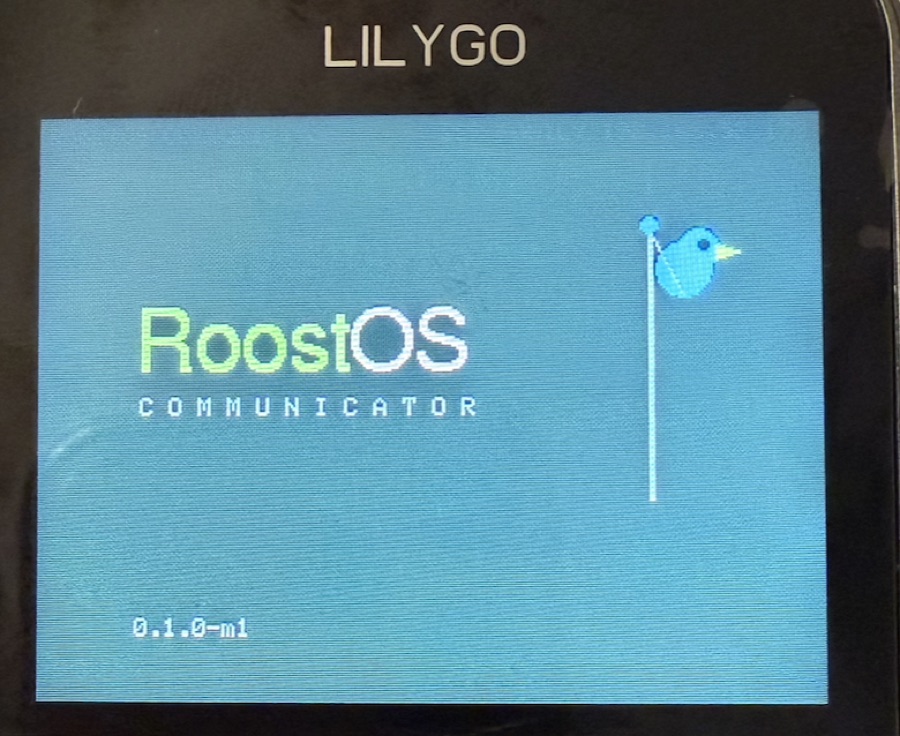
Above: RoostOS running on the XIAO ESP32-S3.

RoostOS running on a XIAO ESP32-S3 board with antenna, powered over USB-C
The RoostOS live console showing web hits and DNS lookups in real time
Watch it live

See every packet come home to roost

The built-in console streams every request and DNS query in real time — captive-portal probes, page loads, the works. It's the easiest way to see how the box funnels a whole network to itself.

Quickstart

From zero to a padlock on a board

# install
brew install stevenssparks/tap/roost

# try it on your laptop — browse http://localhost:8080, ssh in, watch :9090
roost run

# make your own: copy the demo, edit data/, test again
cp -R examples/friendlyportal my-portal
roost run my-portal

# put it on a $20 board (installs the toolchain if needed)
roost doctor --install
roost build-image my-portal
roost flash-board my-portal --image my-portal/build/*.bin --confirm
Full guide → Star on GitHub ★